
Stream IPTV on Any Device You Own
No proprietary hardware, no locked ecosystem. Your single subscription works across every screen in your household — just install a compatible IPTV player, enter your credentials, and start watching.
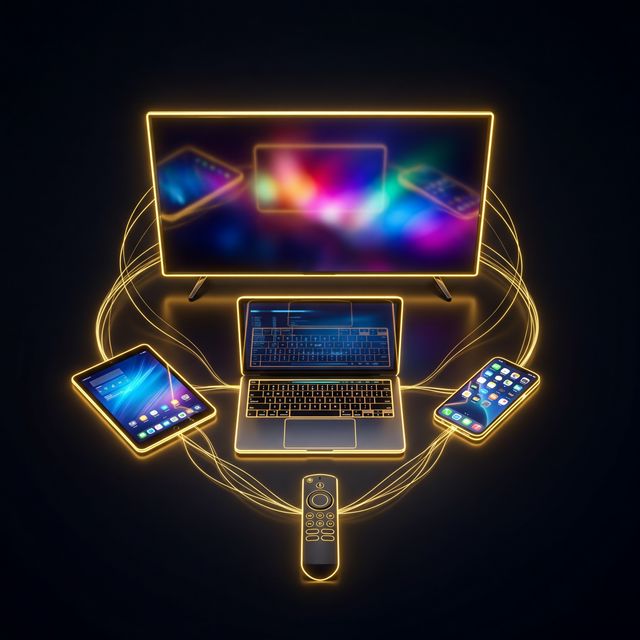
One Subscription, Every Screen
SwivTV plays nicely with every major platform. Install your favorite IPTV player, enter your credentials, and you're watching — no extra hardware required.
Quick Setup Guides by Device
Smart TV (Samsung, LG, Sony)
Download the IPTV Smarters or Smart IPTV app from your TV's app store. Open the app, enter the M3U URL or Xtream Codes credentials we emailed you, and your channels load automatically.
Amazon Fire TV Stick
Search for TiviMate or IPTV Smarters in the Amazon Appstore. Install, launch, and paste your login details. The full channel list appears in seconds — including the EPG guide.
Android Phone & Tablet
Install IPTV Smarters Pro or TiviMate from Google Play. Enter your Xtream login credentials and you're streaming live TV on the go — works on Wi-Fi and mobile data.
iPhone & iPad (iOS)
Download IPTV Smarters or GSE Smart IPTV from the App Store. Add your M3U playlist URL in the app settings and enjoy full channel access on your Apple device.
Windows & Mac Computer
Use VLC Media Player (free) — open Network Stream, paste your M3U URL, and you're watching live TV on your desktop. Alternatively, use the IPTV Smarters desktop app for a remote-control experience.
MAG Box & Enigma2
Navigate to your device's portal settings, enter the portal URL we provided, and restart. Your channel list and EPG populate automatically — no app installation needed.
Tips for the Best IPTV Experience
Use a wired Ethernet connection when possible — it delivers more stable speeds than Wi-Fi for 4K streaming.
A minimum internet speed of 25 Mbps is recommended for 4K channels. 10 Mbps is sufficient for HD.
Enable hardware decoding in your IPTV app settings to reduce buffering on older devices.
If you use a VPN, connect to a server close to your actual location for the best speed.
Ready to Cut the Cord?
Join thousands of viewers who switched to SwivTV and never looked back. Setup takes minutes, cancellation takes seconds.
Get Started Now